

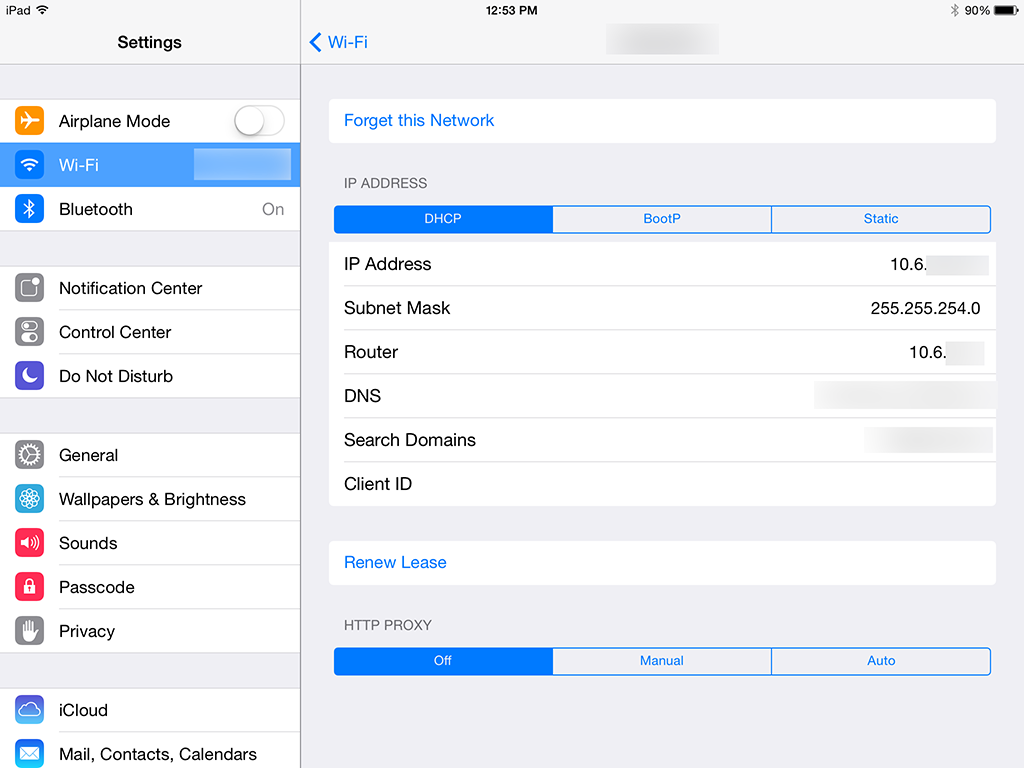
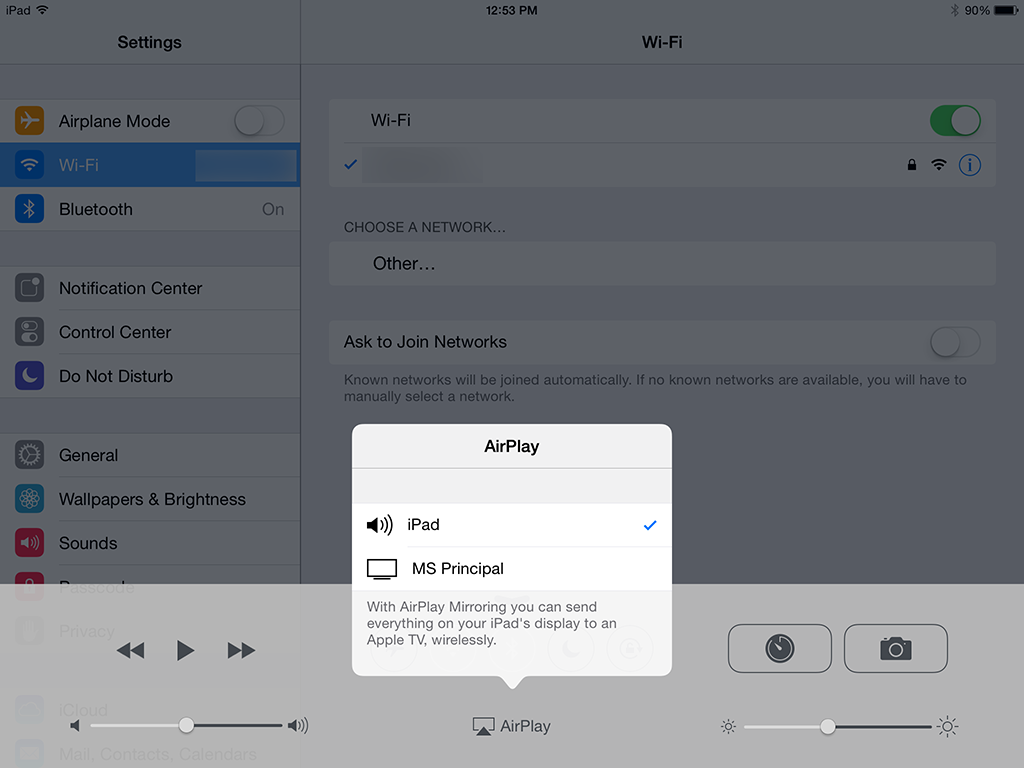
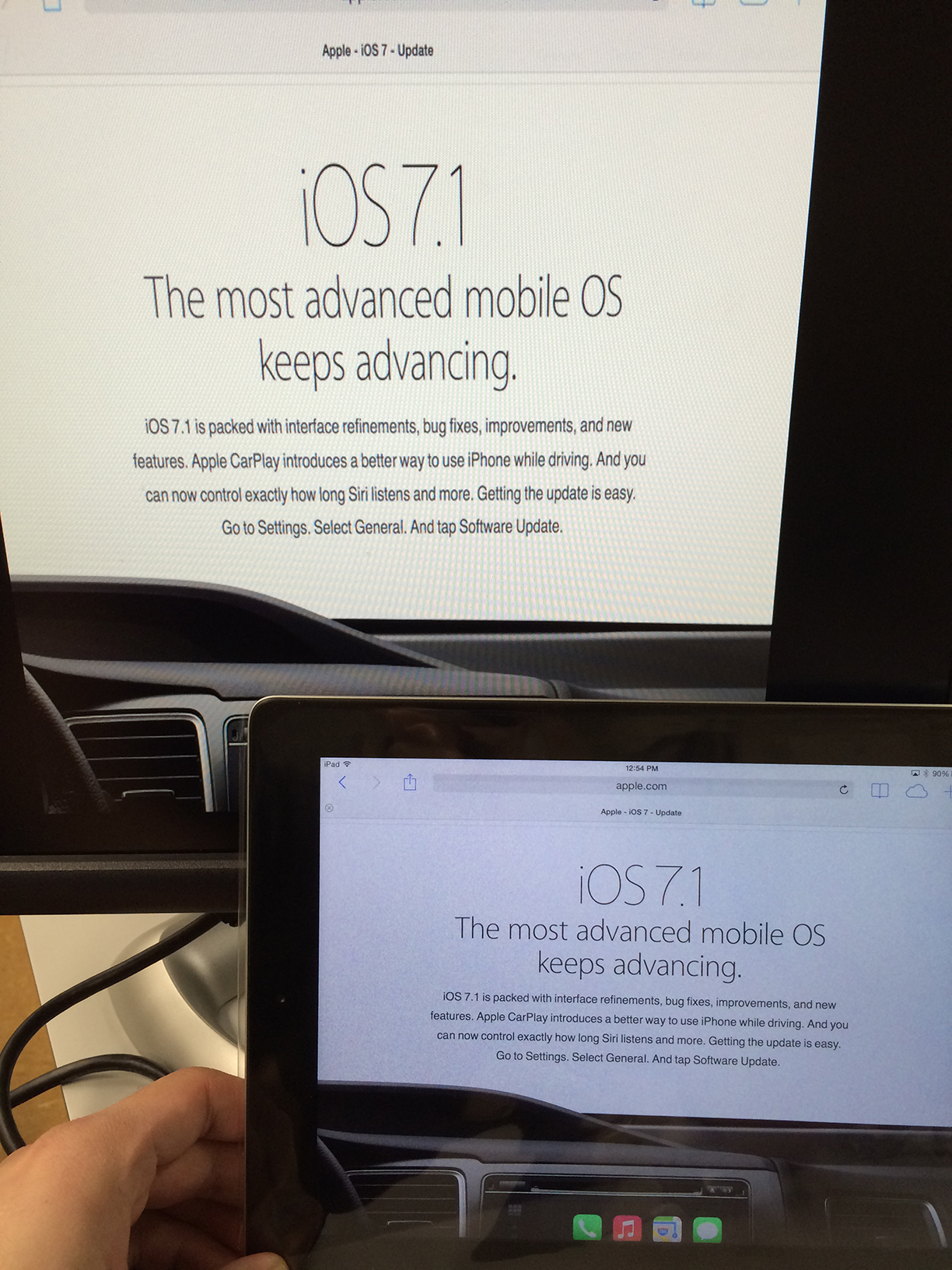
Here’s one that will make educators and education network administrators realllllly happy. There’s a hidden gem in the AppleTV 6.1 update that was released today. In addition to Bonjour over UDP negotiation for AirPlay, iOS 7.1 devices will also look for AirPlay sources using Bonjour over bluetooth when doing its scan! This means you do NOT need bonjour over UDP for AirPlay -discovery-. Once the host is discovered, AirPlay data is then transmitted over the normal network. UPDATE! This requires devices that support Bluetooth 4.0. See the end of the article for a list. Requirements: 1) Apple TV with version 6.1 (released 3/10/14) 2) iOS device with version 7.1 (released 3/10/14) 3) IP connectivity between the two devices 4) Bluetooth 4.0 compatible devices I tried a Mac with 10.9.2 and it didn’t see the AppleTV as an AirPlay source over bluetooth. That may be coming in a future update. Make sure your AppleTV is updated to 6.1. You can see that this AppleTV is on an ethernet connection with a 10.10.X.X subnet IP Address. Also make sure bluetooth is ON on your AppleTV. 


Derick Okihara
Mac and iOS systems integrator for a private K-12 school in Honolulu, Hawaii.
Follow Me:
